Plugins
A Temenos Explorer plugin is a user agent that will be loaded into the Temenos Explorer user interface when the plugin is selected from the main menu.
Where are plugins located in the source code?
All plugins are located in /TemenosExplorer/public/plugins/.
How are plugins shown in the Temenos Explorer user interface?
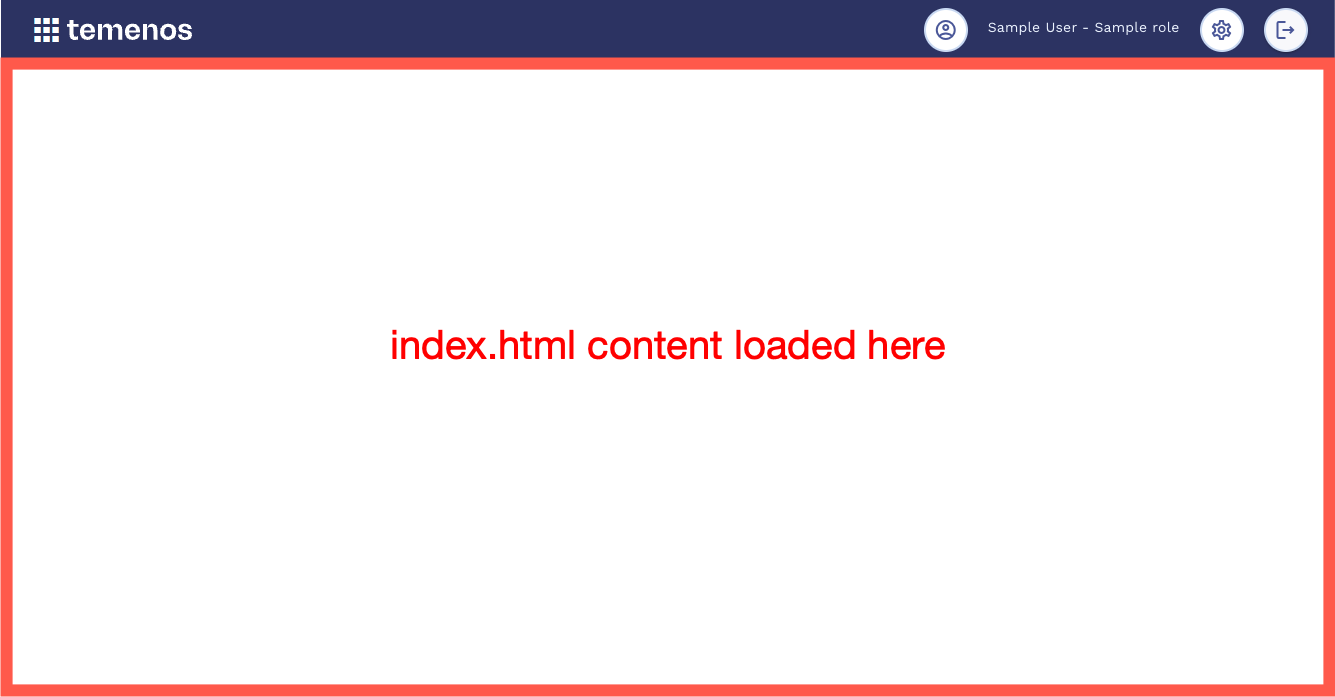
When a plugin is loaded, the index.html page for the plugin is loaded into an iFrame which makes up the content area of the Temenos Explorer user interface:
Access via Temenos Explorer Menu
Users typically access plugins by selecting them from the Temenos Explorer main menu.
Access via Deep Links
It is also possible to deep link to a specific plugin by passing the plugin name via the request parameter plugin:
http://localhost:8002/?plugin=MyPlugin
Additional request parameters specific to the plugin can also be included:
http://localhost:8002/?plugin=MyPlugin&page=search
It is the plugin's responsibility to interpret the request parameters that it receives. Request parameters can be accessed from the session storage:
var queryString = sessionStorage.getItem("queryString");
Plugins accessed via a deep link should remove the request parameters from the session storage once they have been processed to ensure that they are not processed again should the user refresh the page:
sessionStorage.removeItem("queryString");